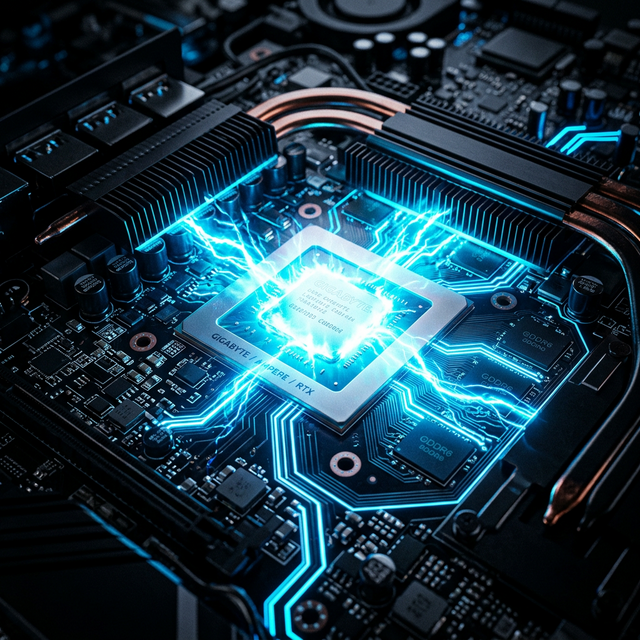
Modern computational frameworks constantly increase resource demands on local hardware. A digital professional who neglects their primary workstation's thermal and telemetry overhead invites critical performance failures precisely when executing high-value logic renders or model inferences. Optimizing your hardware requires a granular approach beyond merely checking the task manager.
1. Thermal Bottlenecking and Core Integrity
The foremost limiter to high-end mobile workstations is thermal throttling. When an x86 or ARM CPU reaches a predefined temperature threshold (typically 95°C to 100°C), firmware automatically down-clocks core voltages to prevent silicon degradation. You must preemptively map your thermal logic. Utilizing diagnostic tools (like Intel XTU or HWMonitor), track thermal dynamics under heavy synthetic loads (e.g., Cinebench).
If utilizing out-of-warranty x86 hardware, re-pasting the CPU/GPU die with high-grade liquid metal or premium thermal compound will drastically improve heat transfer syntax to the heatsink, delaying thermal suppression under prolonged workloads.
2. RAM Telemetry and Background Services
Unused RAM is wasted RAM, but misallocated RAM creates system latency. Inspect your active background services layer thoroughly. "Bloatware" and unnecessary startup arrays siphon critical memory overhead away from prioritized containerized tools like Docker, VS Code, or Premiere Pro. Access `msconfig` (Windows) or utilizing `systemctl` (Linux) to disable auxiliary tracking daemons and unauthenticated updates processes manually.
3. Disabling Indexed Search Crawling
Operating systems routinely parse local file directories to index metadata for rapid search queries. On mechanical drives or older NVMe arrays, this persistent background write/read task saturates the I/O bus interface. If you are comfortable utilizing manual `grep` commands or dedicated lightweight regex search applications (like Everything for Windows), disabling native OS search indexing will noticeably improve idle latency.
4. Virtualization Configurations (V-TX/AMD-V)
If you rely heavily on deploying local Ubuntu VMs or Docker instances, verify that hardware virtualization is enabled at the BIOS/UEFI level. Attempting to run hypervisors through software-only emulation introduces massive algorithmic bottlenecks that cripple container deployment times.
5. Hardware Diagnostic Roadmap
Execute this rigorous checklist to maximize existing workstation configurations:
- Undertake physical hardware maintenance annually: Utilize compressed air and anti-static arrays to eradicate dust clogging localized cooling fans.
- Audit network and CPU overhead via terminal inputs constantly: Look for unverified IP addresses holding prolonged background connections.
- Establish dedicated swap/pagefile limits based on an accurate understanding of your average memory overflow state.
- Offload static archival data from fast core NVMe drives onto secondary external storage clusters to preserve internal SSD health and TRIM efficiency.
// SYSTEM SUMMARY
Hardware optimization is the bedrock of digital progression. Applying strict thermal supervision, minimizing background computational noise, correctly configuring hypervisor parameters, and proactively stripping unnecessary telemetry ensures that your local systems act as an unhindered conduit for your architectural logic arrays, preventing hardware limitation from stalling workflow.